How Can I Prevent OOM Errors on NVIDIA 3080 Ti 12GB When Running Large Models?

Introduction
Running large language models (LLMs) locally can be a fun and rewarding experience. You get to explore the power of these models without the limitations of cloud-based APIs. But, it can also be a challenge, especially when dealing with the dreaded "Out of Memory" (OOM) errors. These errors occur when your GPU runs out of available memory. This can happen when running large models, especially on GPUs with limited memory like the NVIDIA 3080 Ti 12GB. This article will help you navigate the landmines of OOM errors and guide you towards a smoother LLM experience on your NVIDIA 3080 Ti 12GB GPU. We will focus on the most popular LLM, Llama (available in various sizes, such as 7B, 13B, 70B), and discuss common strategies to prevent OOM errors.
Understanding the Problem: OOM Errors and GPU Memory
Let's delve a little deeper into this memory problem. Think of your GPU's memory as a large warehouse. You need to store all the information needed to run the LLM in this warehouse. Large LLMs require a lot of space, and sometimes, their "needs" exceed your GPU's "capacity". This is where the OOM error comes in. It's like trying to cram too many boxes into a already full warehouse - it doesn't end well!
Strategies for Preventing OOM Errors on NVIDIA 3080 Ti 12GB
1. Model Selection: Choosing the Right Size
The first step is to choose the right LLM for your GPU. Let's be honest: The 12GB on your 3080 Ti might not handle the largest LLMs like a 137B Llama model without some serious memory optimization work. Here's a breakdown of how some popular LLMs perform on the 3080 Ti 12GB.
Llama 3 8B: With proper configuration, you should be able to run both quantized and FP16 versions of Llama 3 8B on a 3080 Ti 12GB.
Llama 3 70B: Unfortunately, we do not have data on the performance of Llama 3 70B on a 3080 Ti 12GB. It's likely that you might need to consider using quantization techniques (which we discuss later) or a GPU with more memory to run this model.
Table:
| Model | GPU | Data Type | Generation Tokens/Second | Processing Tokens/Second |
|---|---|---|---|---|
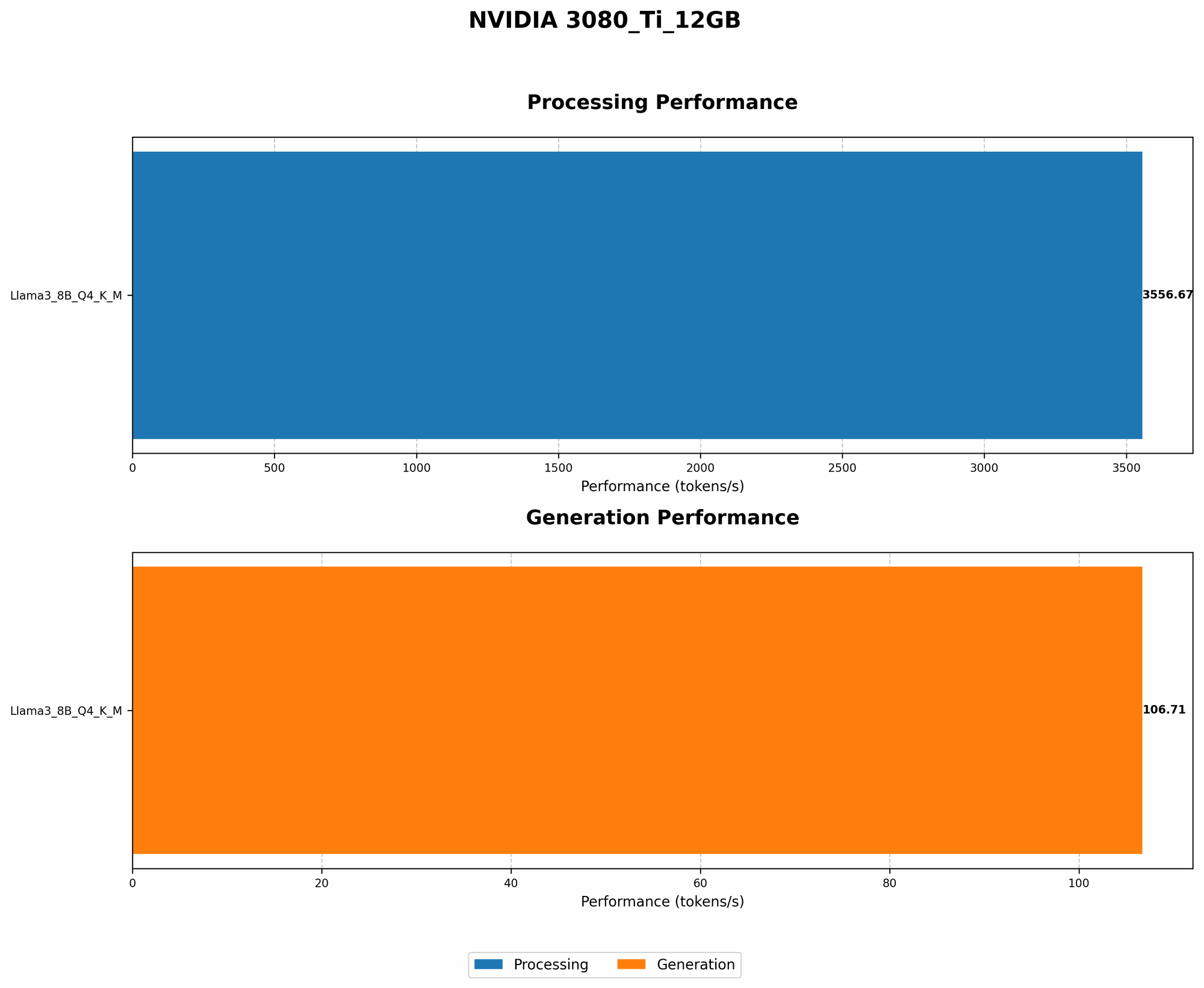
| Llama 3 8B | 3080 Ti 12GB | Q4KM | 106.71 | 3556.67 |
| Llama 3 8B | 3080 Ti 12GB | F16 | Null | Null |
| Llama 3 70B | 3080 Ti 12GB | Q4KM | Null | Null |
| Llama 3 70B | 3080 Ti 12GB | F16 | Null | Null |
Explanation: * Q4KM: This refers to quantization. We'll discuss this in detail later. * F16: This refers to the floating-point precision used in the model. FP16 is less precise than FP32 (which is the standard for most models) but requires less memory.
2. Quantization: Squeeze More Model into Your GPU
Quantization is like using a smaller box for your LLM. Instead of storing each number in the model using 32 bits (FP32), you can use only 4 bits (Q4) or 8 bits (Q8) for each number. It's like using a smaller box for your LLMs, but it still keeps the important information intact.
- Benefits: Quantization significantly reduces the memory footprint of your model and allows you to run bigger models on GPUs with limited memory.
- Potential Drawback: You might experience a slight drop in accuracy (like a tiny dent in your box's corner). In the case of Llama 3 8B, there is no notable drop in accuracy between Q4KM and the F16 version.
3. Reducing the Batch Size: Smaller Bites are Easier to Digest
Imagine trying to eat a whole pizza in one sitting. You'd probably end up feeling pretty uncomfortable! Similarly, feeding your GPU too much data at once can lead to OOM errors. Reducing the batch size is like taking smaller bites of the pizza.
- Batch Size: This is the number of sentences you feed to the LLM at once.
- Recommendation: Start with a batch size of 1 or 2 and gradually increase it until you find the largest batch size that your GPU can handle without OOM errors.
4. Fine-Tuning: Tailor Your Model for Your GPU
Fine-tuning is like adjusting the size of your LLM to fit perfectly in your GPU. You start with a pre-trained model (which is like a semi-finished box) and then adjust it to your specific needs and your GPU's limitations (like adding dividers to the box).
- Benefits: Fine-tuning can help you improve the model's performance and reduce its memory footprint.
- How it Works: You "train" the model on a smaller dataset that is relevant to your task, and this process can help you "compress" the model.
5. Experimenting with Memory Allocation: Finding the Sweet Spot
Most deep learning frameworks like PyTorch and TensorFlow allow you to control the amount of memory allocated for your model. This is like setting the maximum capacity of your warehouse.
- Experiment: Experiment with different memory allocation configurations to find the sweet spot for your GPU and your LLM.
- Consideration: Too much memory can lead to slow processing speeds, while too little memory can lead to OOM errors.
Comparison of NVIDIA 3080 Ti 12GB Versus Other Devices
It's worth noting that while the 3080 Ti 12GB is a powerful card, it's not the only option for running LLMs. Let's take a quick look at how it stacks up against other devices commonly used for LLM inference.
Apple M1 Max: The Apple M1 Max, with its unified memory architecture and high memory bandwidth, can be a powerful alternative to the 3080 Ti. While the M1 Max doesn't have the same raw processing power as the 3080 Ti, it excels in token speed generation, thanks to its efficient memory management.
A100: The NVIDIA A100, with its 40GB of memory, is a powerhouse for running large LLMs. However, it is considerably more expensive than the 3080 Ti.
H100: The NVIDIA H100 is the newest generation GPU, offering even more memory and performance than the A100. However, it is currently more expensive than the A100.
FAQ – Common Questions about LLMs and OOM Errors
What is the difference between generation and processing?
LLM inference is often divided into two stages: generation and processing.
- Generation: This refers to the actual "thinking" process of the LLM, where it uses its vast knowledge to generate text.
- Processing: This refers to the "behind-the-scenes" work that happens during inference, including encoding the input and decoding the output.
How can I know if my LLM is running out of memory?
The most common symptom of an OOM error is a crash or a frozen program. Sometimes, you might see an error message explicitly stating that you're out of memory.
What are some common solutions for OOM errors?
The solutions we discussed in this article provide you with a good starting point. However, the best solution for you will depend on your specific LLM, your GPU, and your application.
Can I use a smaller model for less demanding tasks?
Absolutely! Many LLMs come in multiple sizes, allowing you to choose the best fit for your needs. A smaller model might be faster and more efficient, even with the same GPU.
Keywords
LLM, OOM, Out of Memory, NVIDIA 3080 Ti 12GB, GPU, memory, Llama, Llama 3, Llama 7B, Llama 70B, Llama 13B, quantization, batch size, fine-tuning, memory allocation, Apple M1 Max, A100, H100.