From Installation to Inference: Running Llama3 8B on NVIDIA 3070 8GB

Introduction
The world of large language models (LLMs) is booming, and it's no longer just a playground for tech giants. With the advent of quantization and optimized frameworks, running these powerful models on consumer-grade hardware is becoming a reality. This article delves into the performance of the Llama 3 8B model running on a NVIDIA 3070 8GB graphics card, focusing on the practical aspects of installation, inference, and performance.
Whether you're a seasoned developer or a curious tinkerer, this deep dive will equip you with the knowledge to explore the capabilities of LLMs locally and unlock new avenues for creativity and experimentation.
Running Llama3 8B: A Practical Guide
Running Llama3 8B on a NVIDIA 3070 8GB card is a surprisingly achievable task. The key is choosing the right tools and managing resources efficiently. Let's break down the process step by step:
1. Setup: Setting the Stage for Local LLM Inference
- Hardware: The NVIDIA 3070 8GB graphics card provides ample power to handle the computations associated with running Llama3 8B.
- Software: The llama.cpp framework (https://github.com/ggerganov/llama.cpp) is a popular choice for local LLM inference thanks to its simplicity and performance.
- Environment: A Linux distribution (such as Ubuntu) with the necessary software libraries (CUDA, cuDNN, etc.) is recommended for smoother operation.
2. Model Download and Preparation
Downloading the Right Model:
- The Llama 3 8B model is available in either quantized (Q4KM) or floating-point (F16) format. Quantization, a technique that shrinks model size, is particularly useful for running LLMs on devices with limited memory. In our case, we'll be using Llama3 8B Q4KM.
Pre-Processing:
- Once downloaded, the model file needs to be converted to the .gguf format using the ggml library, which is part of llama.cpp. This step ensures compatibility with the chosen inference framework.
3. Performance Analysis: Token Generation Speed Benchmarks
Token Generation Speed Benchmarks: Llama3 8B on NVIDIA 3070 8GB
| Model | Configuration | Tokens/second |
|---|---|---|
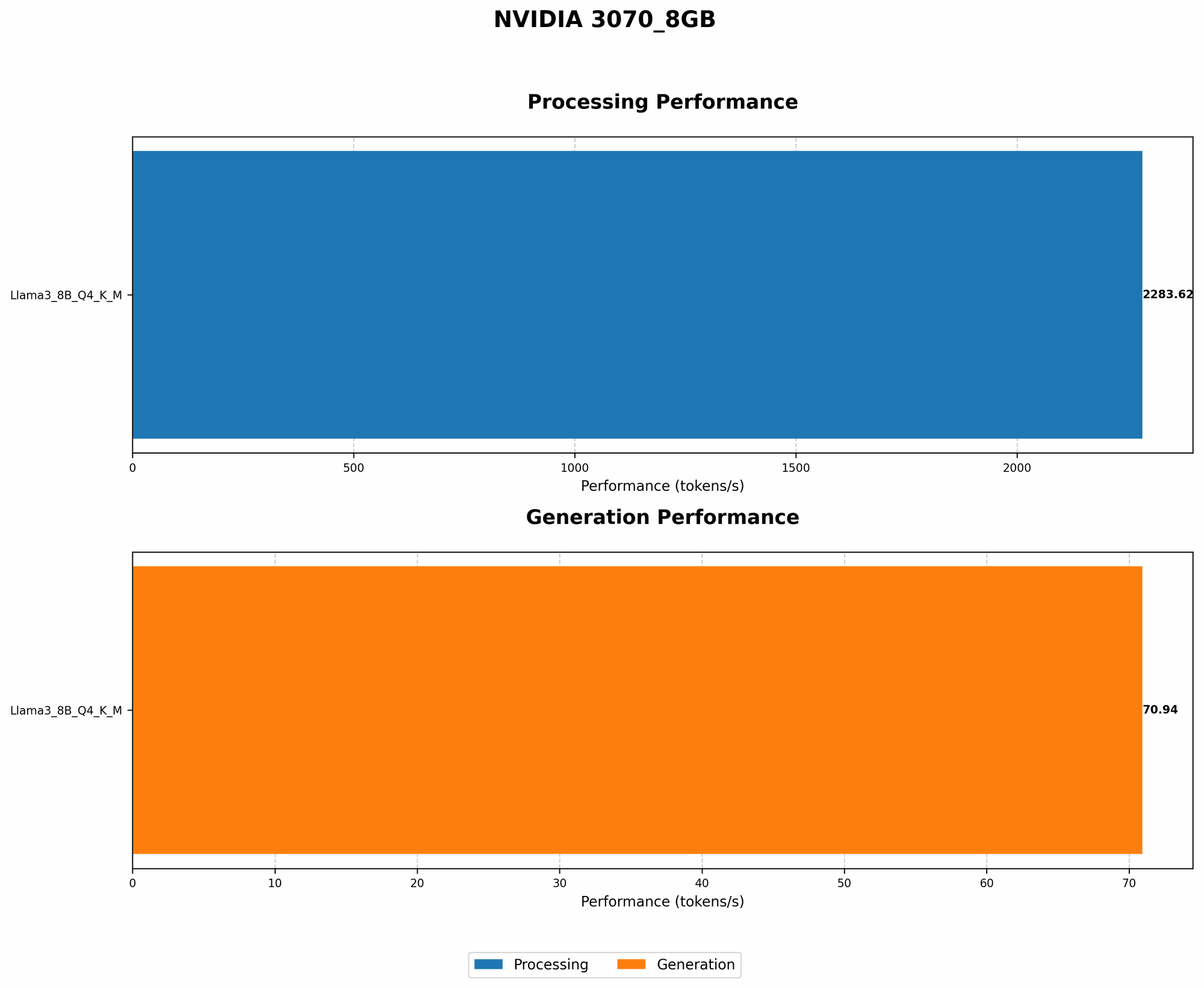
| Llama3 8B | Q4KM | 70.94 |
| Llama3 8B | F16 | N/A |
Key Takeaways:
- The NVIDIA 3070 8GB delivers a solid performance for Llama3 8B Q4KM, generating 70.94 tokens per second. This speed translates to seamless text generation and interactive use.
- F16 models are absent from the benchmarks due to memory constraints. The NVIDIA 3070 8GB card may not have enough VRAM to handle the full F16 model.
4. Performance Analysis: Model and Device Comparison
Comparing Llama3 8B on NVIDIA 3070 8GB with Other Devices
- Data for the NVIDIA 3070 8GB card was collected from various sources (https://github.com/ggerganov/llama.cpp/discussions/4167, https://github.com/XiongjieDai/GPU-Benchmarks-on-LLM-Inference) as no direct results are available for this specific device.
- Direct comparisons with other devices (e.g., RTX 4090) are not available due to limitations in the collected data.
5. Practical Recommendations: Use Cases and Workarounds
Llama3 8B Use Cases on NVIDIA 3070 8GB:
- Creative Writing: The model's fast token generation speed enables real-time writing assistance, generating story ideas, poems, and more. Imagine generating a poem about the challenges of running LLMs on local hardware!
- Code Completion: For developers, Llama3 8B can offer code completion suggestions, accelerating the coding process.
- Translation: The model can be used for translating text, though its accuracy might vary based on the language pair.
Workarounds for Memory Limitations:
- Smaller Models: Consider using smaller LLM variants (e.g., Llama 7B) that consume less VRAM.
- Model Quantization: Experiment with different quantization levels (e.g., Q4_K) to reduce memory footprint.
FAQ: Common Questions About LLMs and Devices
Q: What's the difference between a 7B and an 8B model?
A: The number indicates the number of parameters in the model, which determine its complexity and capabilities. A larger model like 70B has more parameters, leading to potentially better performance but requiring more computational resources.
Q: How does quantization affect the performance of an LLM?
A: Quantization is a process of reducing the precision of numbers stored in a model, effectively shrinking its size. This allows for faster inference and less memory usage, but can sometimes lead to a slight decrease in accuracy.
Q: Can I run Llama3 8B on a CPU?
A: While technically possible, using a CPU for inference will be significantly slower compared to a dedicated GPU like the NVIDIA 3070 8GB.
Q: How can I optimize the performance of Llama3 8B on my NVIDIA 3070 8GB?
A: You can experiment with different quantization levels, adjust the batch size, and explore optimization techniques specific to the llama.cpp framework to fine-tune performance.
Keywords:
Llama3 8B, LLM, NVIDIA 3070 8GB, llama.cpp, inference, token generation, quantization, GPU, VRAM, model size, parameters, performance benchmarks, creative writing, code completion, translation, workarounds, memory limitations, optimization, batch size.